EVERYDAY
The Everyday
Small footprint. Big possibilities.
Ryzen 5 8600GIntegrated Radeon graphics32 GB DDR5
View configuration
The next world. The next big idea. The next personal best. Build a PC that’s ready for all of it.
Explore the hardware

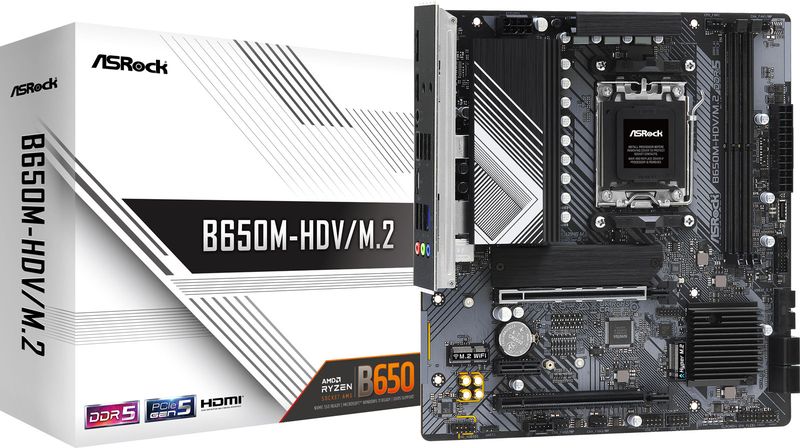

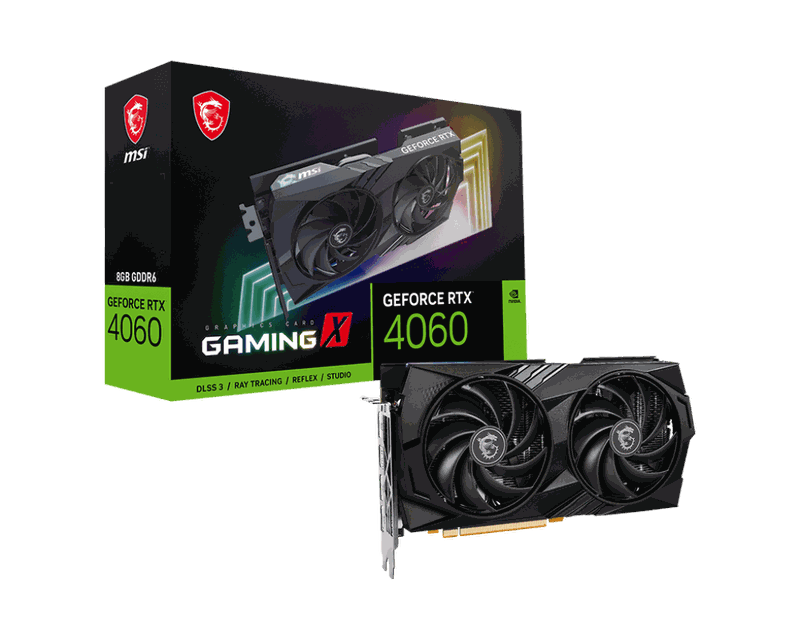
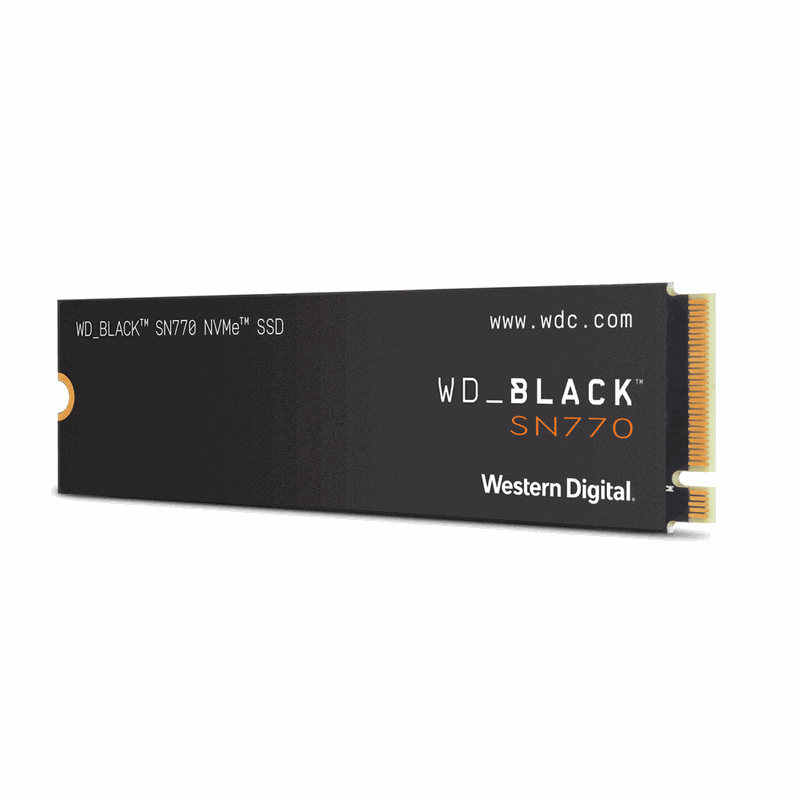
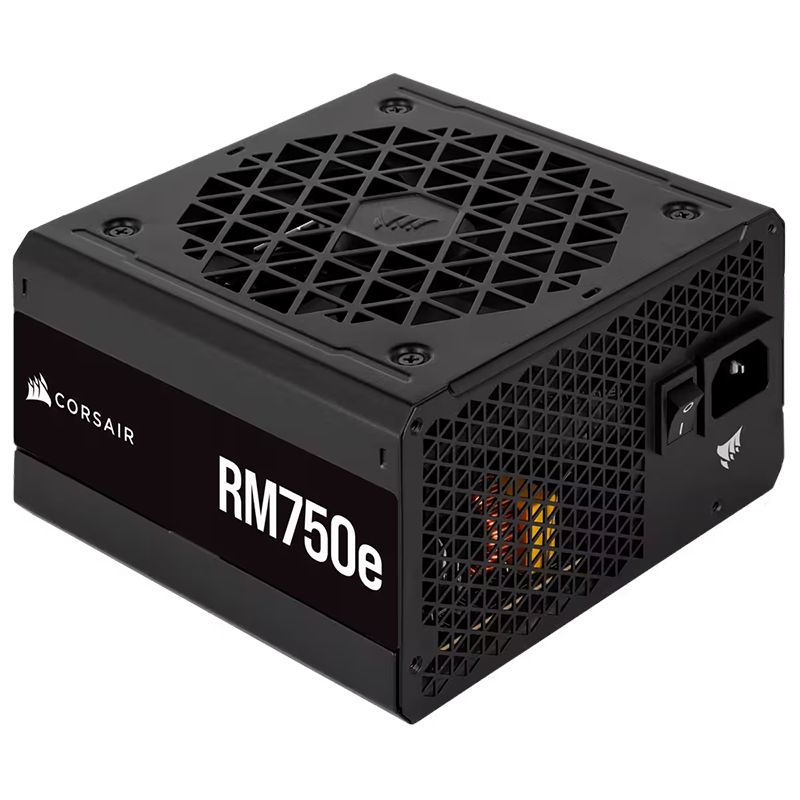
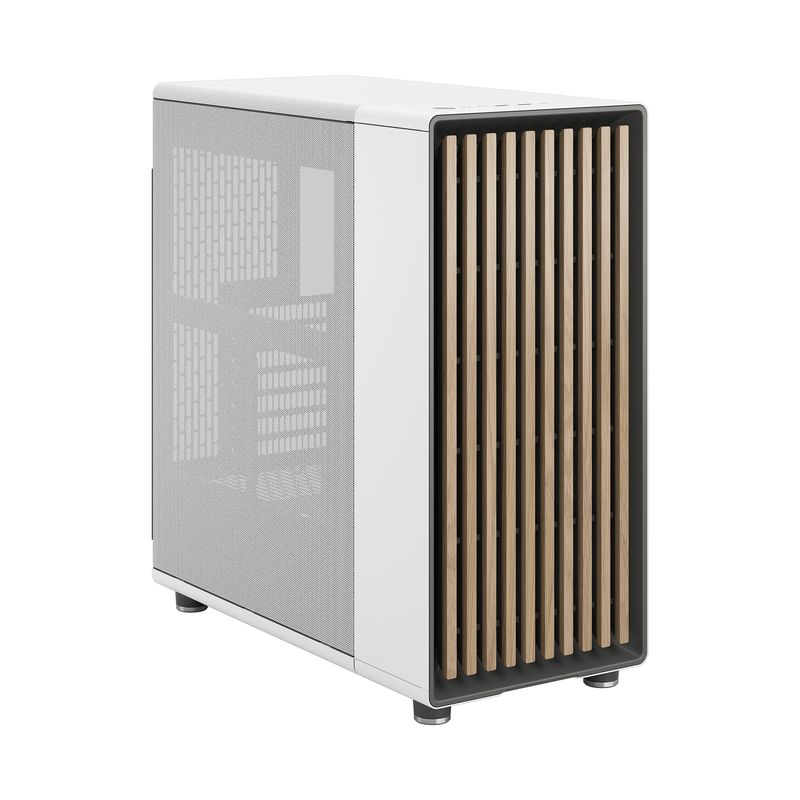

Find your starting point
A few ideas to get you going. The final build is always yours.
Small footprint. Big possibilities.
For the worlds you get lost in.
More room for your next big idea.
Example configurations. Review fit, power, and availability in the builder before buying.
Meet your new creative playground
Start with what matters to you. Swap a component, explore another option, and watch your build come together.
Open the PC builder ↗From what if to what’s next
Long gaming sessions, ambitious edits, or a smoother everyday setup. Start with the way you’ll use your PC.
Explore processors, graphics, memory, and more. Choose the combination that fits your priorities and budget.
Save your configuration in your browser or download the component list to review before your next step.
A little clarity
What to know about choosing parts, checking fit, and saving your build.
No. Start with one of the Gaming, Creator, or Everyday configurations in the builder, then select a component to see the available alternatives.
Yes. The builder lets you swap all eight component categories. GetPC updates compatibility checks as you swap parts.
GetPC checks compatibility against the specifications on file. Where available, the builder shows dated US offers. Confirm the exact model, current price, and any fit details before buying.
Yes. Use Save this build in the builder to store it in the same browser, or download a JSON copy you can import later. Saved builds are stored in that browser.
Your ideas deserve the right machine
A blank canvas. A world of possibilities. One PC that’s yours.
Start your build ↗